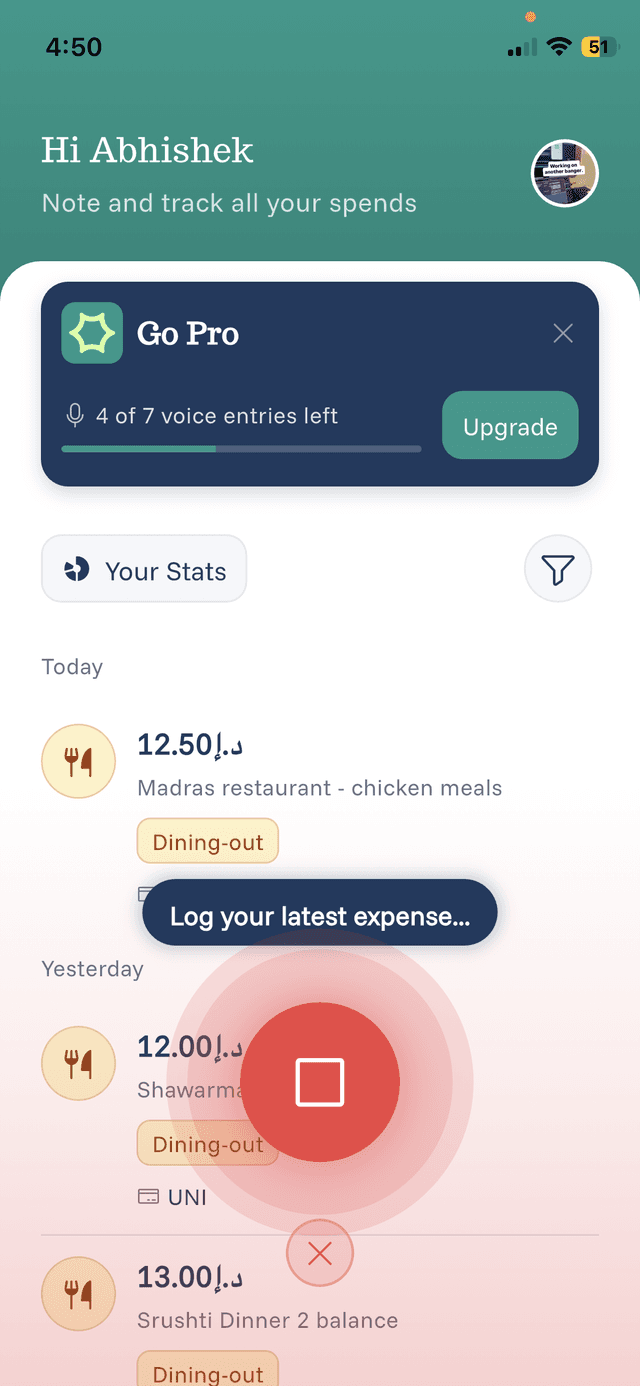
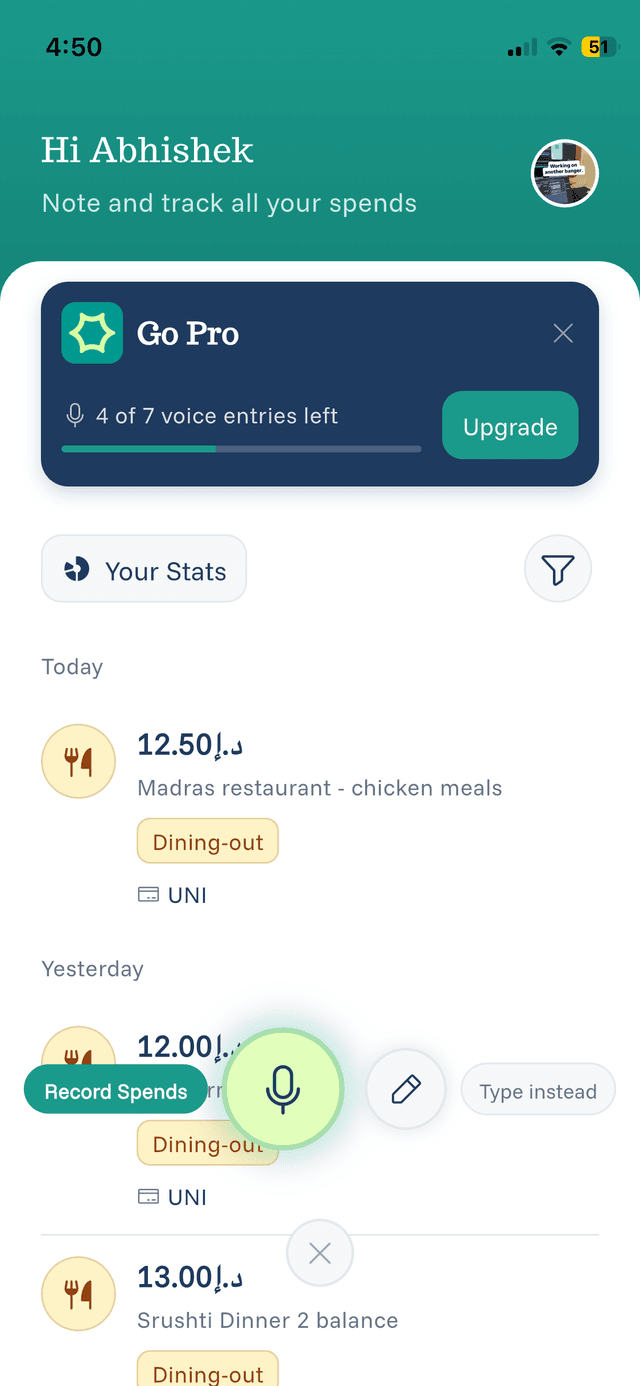
Voice Recording Tips
Master these tips to get the most out of voice recording.
Speaking Naturally
The AI is trained to understand natural language, so speak like you normally would:
- Good: "Spent 25 dollars on lunch at Subway"
- Good: "Coffee and pastry, 8 fifty"
- Good: "Taxi home was 15 dirhams"
Recording Multiple Expenses
You can record several expenses in one session:
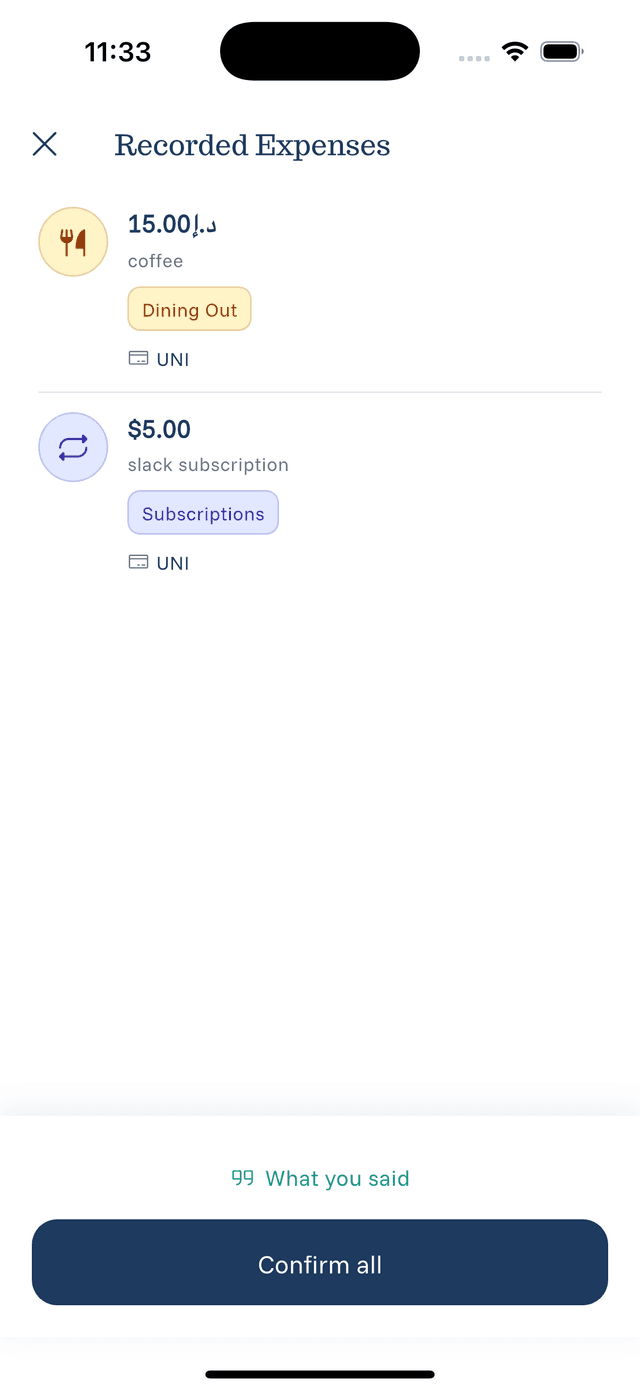
"Coffee this morning was 5 dollars, then lunch at the office cafeteria for 12 dollars, and an Uber home for 18 dollars"
The AI will separate these into individual expenses.
Currency Handling
- If you don't specify a currency, your default currency is used
- Say the currency name or symbol: "dollars", "euros", "AED", "pounds"
- The AI understands most common currency references
When Voice Doesn't Work Well
Consider manual entry if:
- You're in a noisy environment
- The expense has unusual characters or codes
- You need to backdate an expense significantly