Troubleshooting Voice Issues
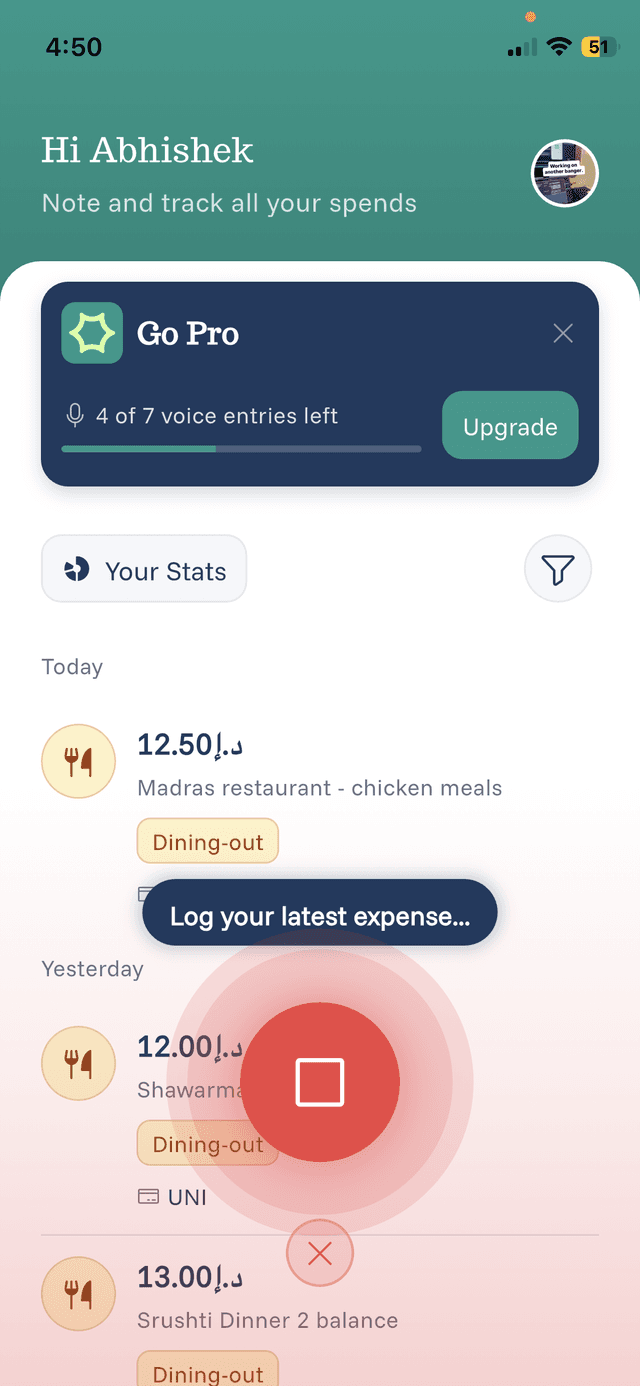
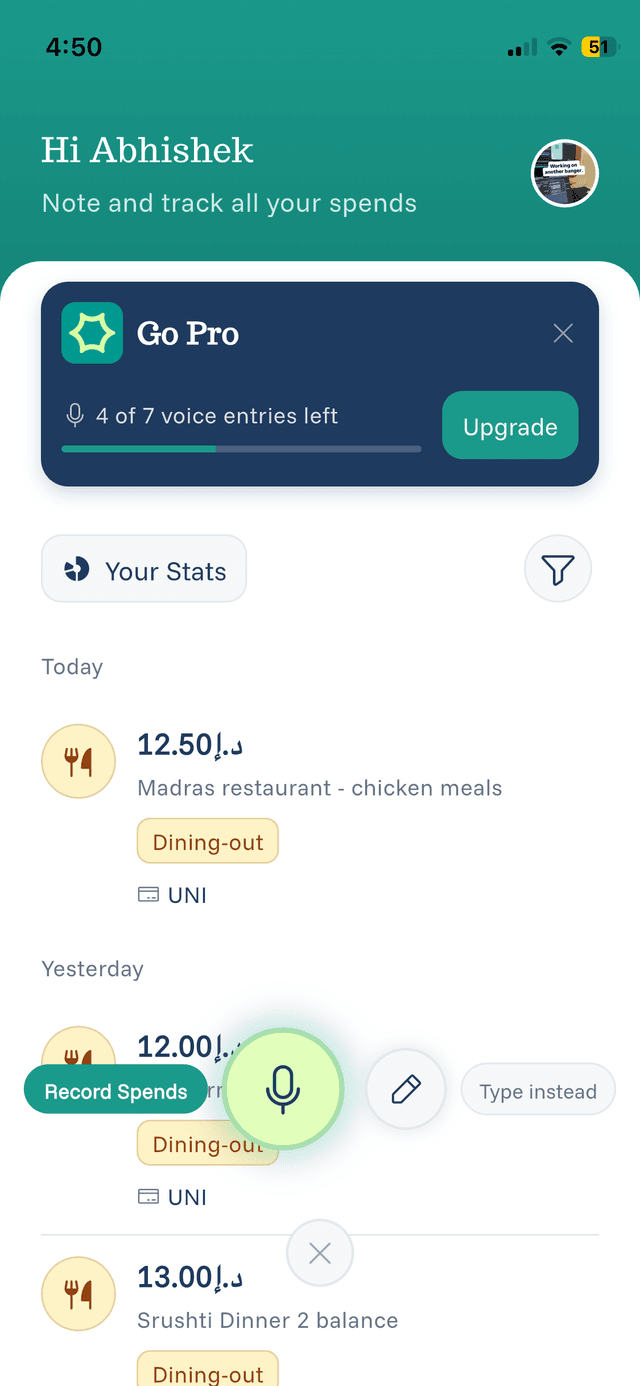
Having trouble with voice recording? Here are solutions to common problems.
Voice Not Recording
Check microphone permissions:
- Go to your phone's Settings
- Find eqva money in the app list
- Ensure Microphone permission is enabled
Check your connection:
- Voice processing requires an internet connection
- Try switching between WiFi and mobile data
Inaccurate Transcription
Improve accuracy:
- Speak more slowly and clearly
- Reduce background noise
- Hold the phone closer to your mouth
- Avoid speaking while moving
Wrong Amount Detected
If the AI gets the amount wrong:
- Say the full amount: "twelve dollars and fifty cents" instead of "twelve fifty"
- Include the currency: "15 USD" or "15 dollars"
- You can always edit before confirming
Wrong Category Assigned
The AI learns from common patterns. If it consistently picks the wrong category:
- Edit the category when reviewing
- Over time, manual corrections help improve suggestions
Still Having Issues?
If problems persist:
- Try restarting the app
- Check for app updates
- Use manual entry as an alternative
- Contact support through the Contact page