Currency Settings
Set up currencies to match how you track your finances.
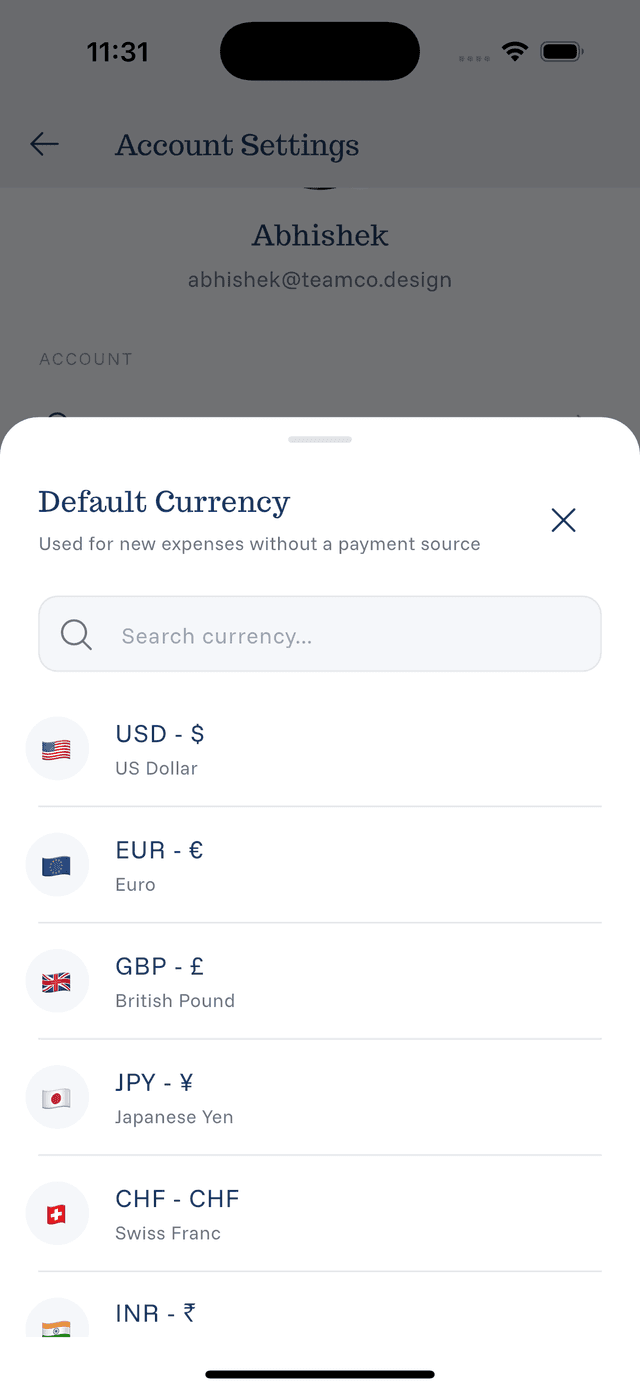
Default Currency
Your default currency is used when:
- You don't specify a currency in voice recording
- Adding manual expenses without selecting currency
- Displaying converted totals in statistics
Changing Default Currency
- Go to Settings
- Tap Default Currency or Currency
- Search or scroll to find your currency
- Tap to select
- Confirm the change
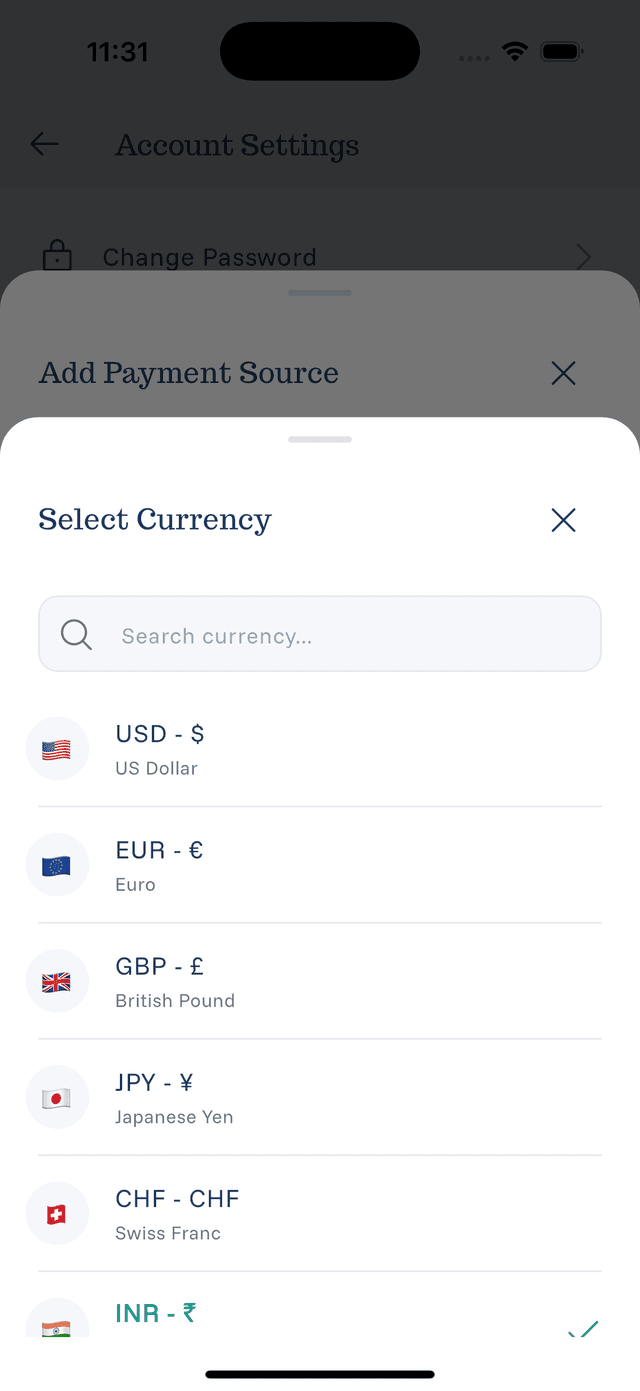
Source-Specific Currencies
Each payment source can have its own currency:
- Go to Settings → Payment Sources
- Tap on a source
- Tap Currency
- Select the appropriate currency
- Save
Why Source Currencies Matter
- Credit cards bill in specific currencies
- Foreign accounts operate in local currency
- Helps track true spending without confusion
Available Currencies
eqva money supports 160+ currencies including:
- Major currencies (USD, EUR, GBP, JPY)
- Regional currencies (AED, INR, SGD, AUD)
- Most world currencies
Currency Tips
- Set default to your most-used currency
- Match source currency to actual account currency
- Don't worry about conversion rates — they're handled automatically