Reading Spending Charts
Make sense of the charts and graphs in your statistics.
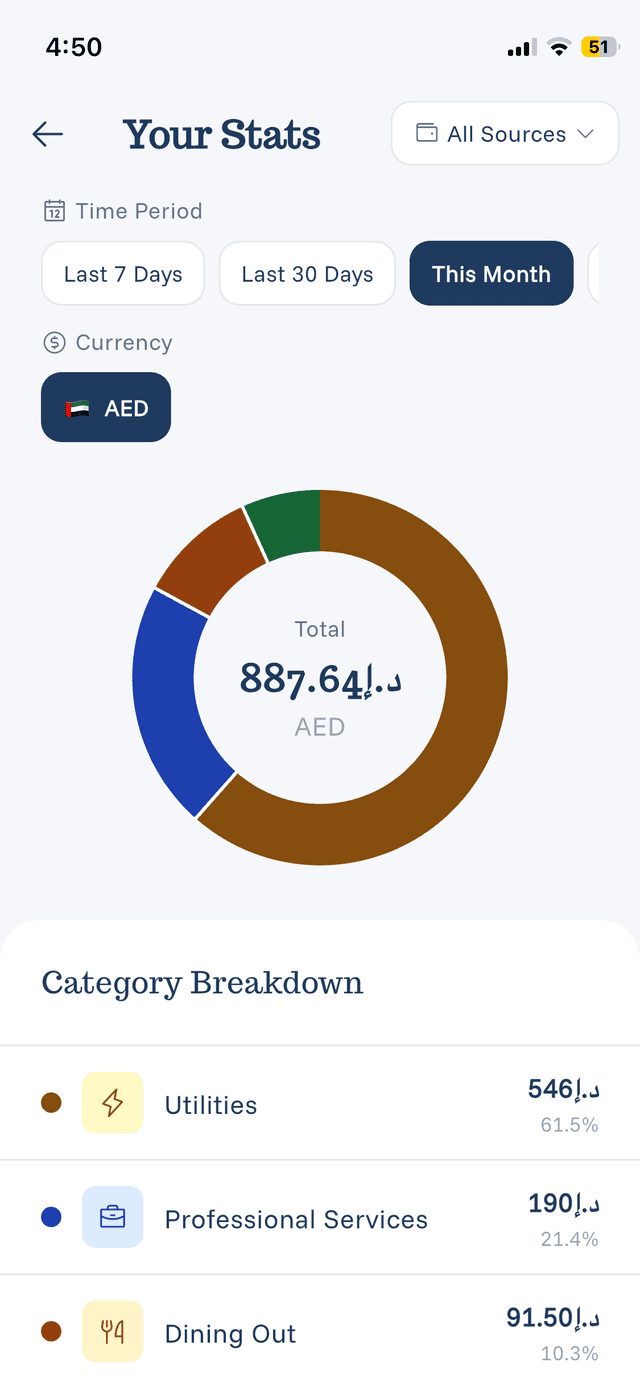
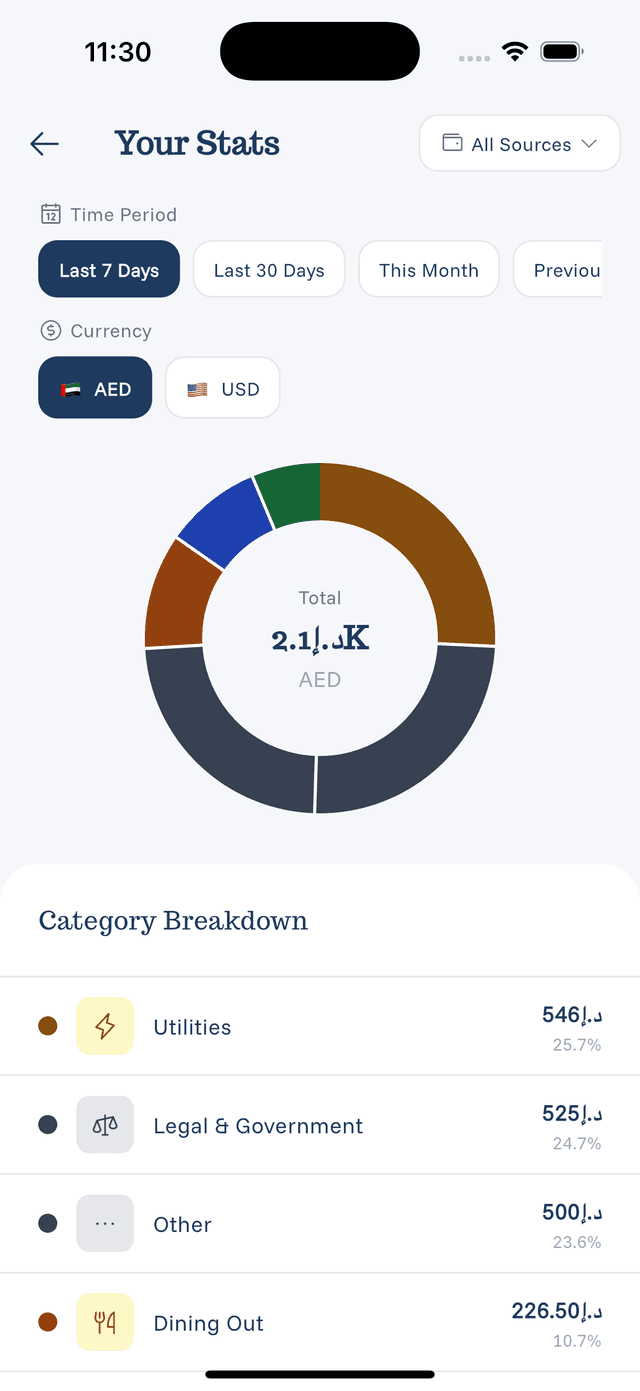
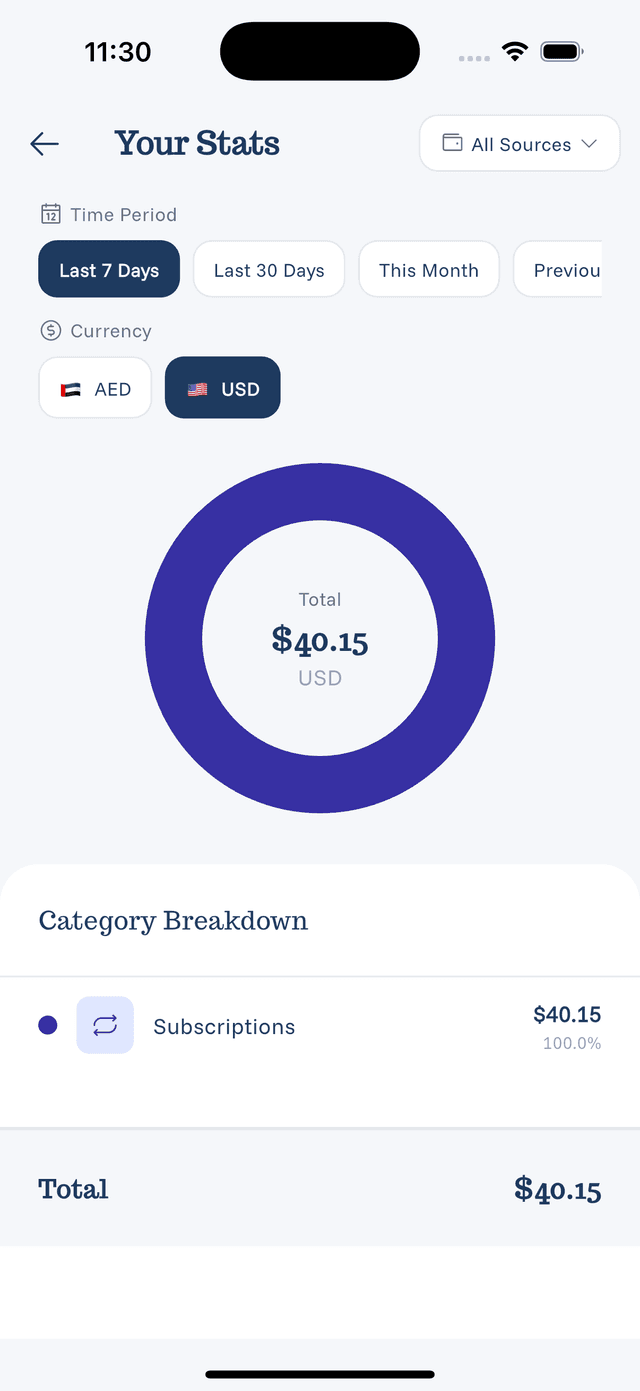
Pie Charts
What they show:
- Category distribution of spending
- Each slice = one category
- Size = percentage of total
How to read:
- Larger slices = more spending
- Colors match category colors
- Tap slices for exact amounts (if supported)
Bar Charts
What they show:
- Spending over time
- Daily, weekly, or monthly bars
- Height = amount spent
How to read:
- Taller bars = more spending that period
- Compare bars to see trends
- Look for patterns (weekends higher, etc.)
Trend Indicators
Arrows and percentages:
- Up arrow = spending increased
- Down arrow = spending decreased
- Percentage shows the change amount
Category Lists
Ranked categories:
- Listed from highest to lowest spending
- Shows amount and percentage
- Quick view of where money goes
Getting Insights
Use charts to answer:
- "What do I spend most on?" → Pie chart
- "When do I spend most?" → Bar chart
- "Is my spending going up or down?" → Trends
- "Which categories grew?" → Compare periods